Menu & Dashboard
After signing in you land directly on the Dashboard. You see the current week, your assignments for this week, and upcoming absences. When you tap an entry, you jump to the calendar and see the details.
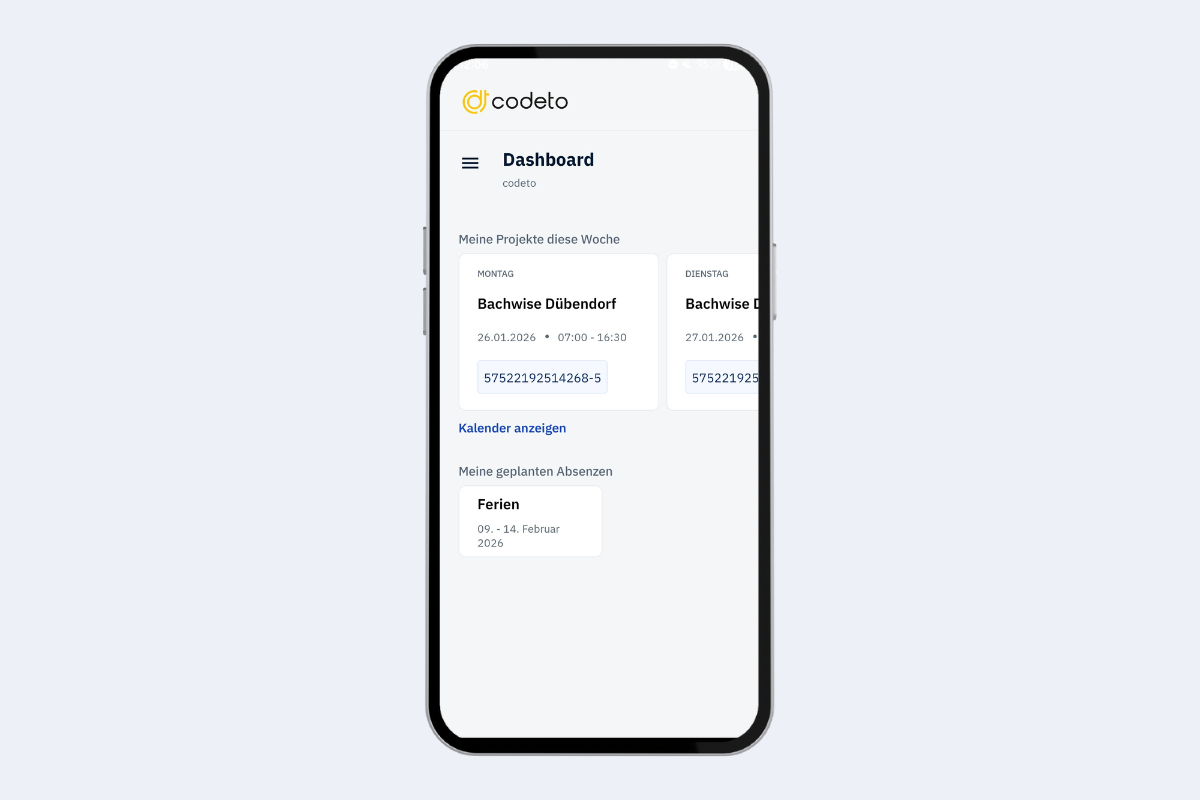
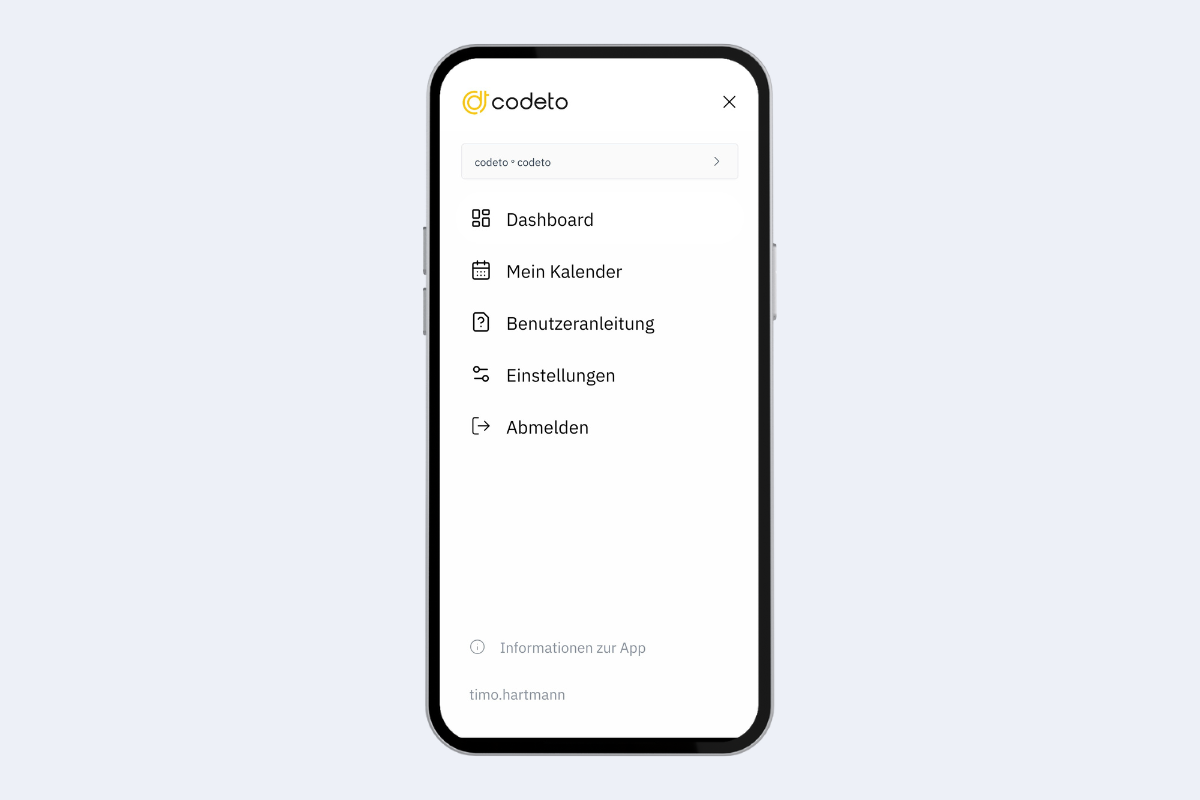
Tap the three lines (menu icon) at the top left to open the Menu. From here you can:
- jump to the calendar
- open the user guide
- change the language
- log out
In the App information section (bottom) you see your app version and the latest updates. At the very bottom you see the account you are logged in with.